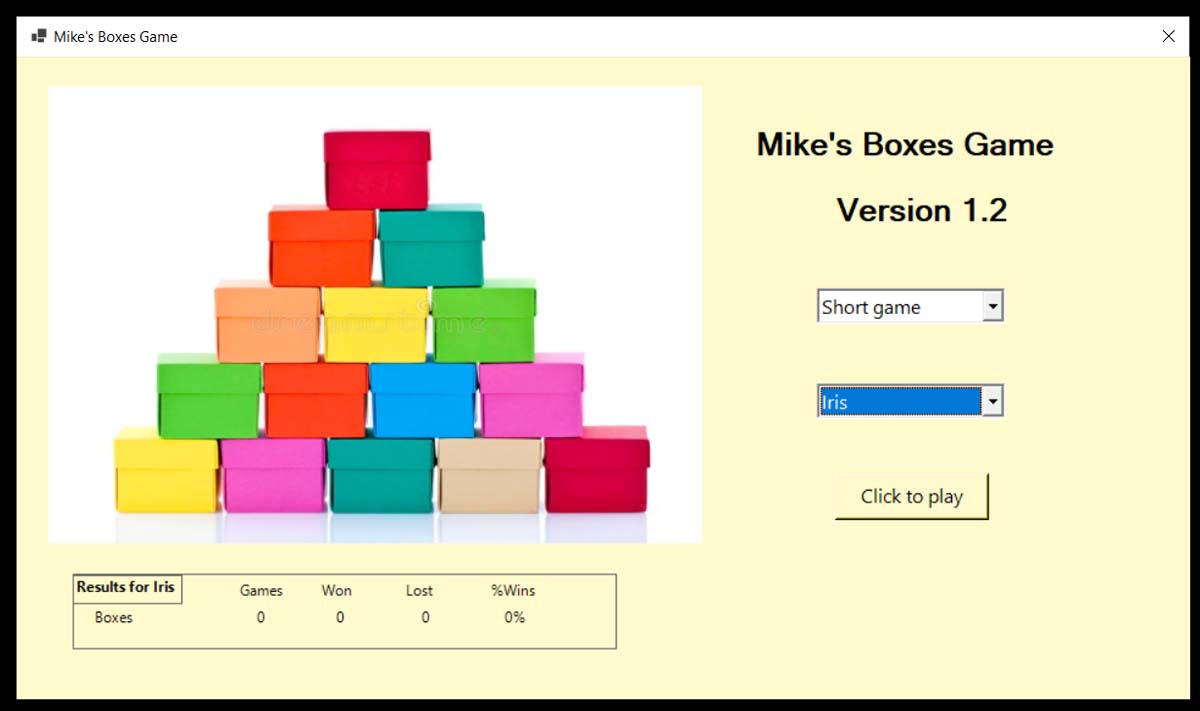
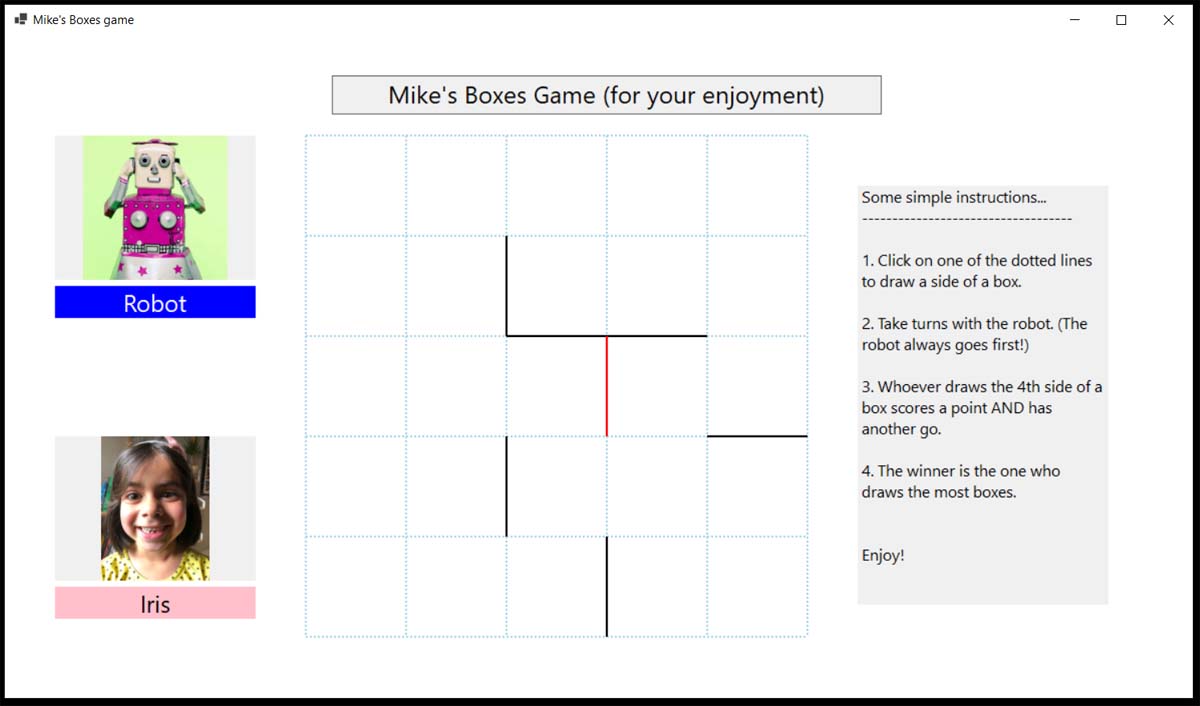
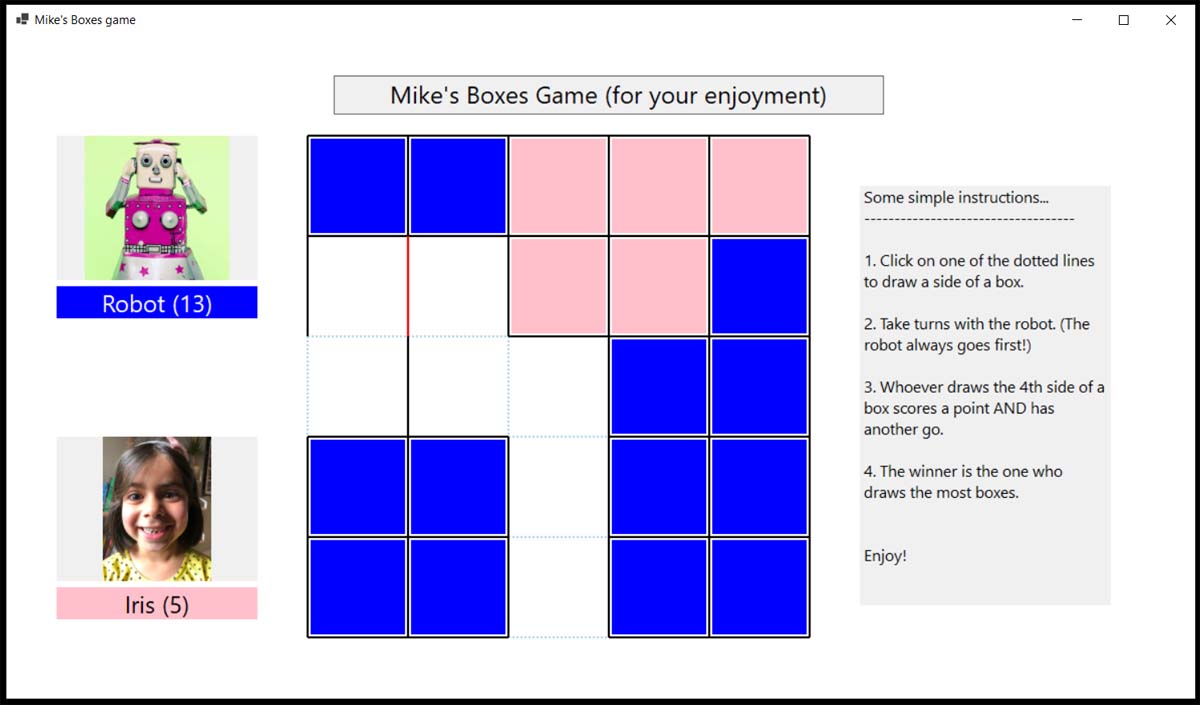
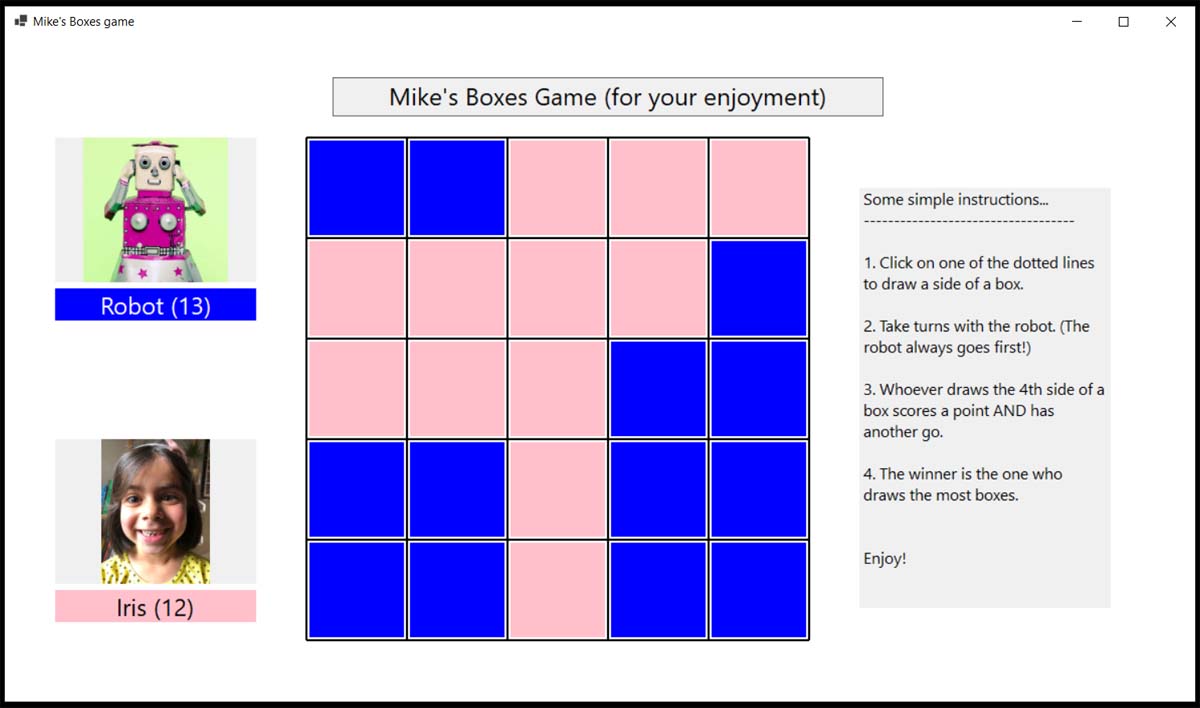
I’ve completed my third VB.NET program, to play the game of what I call Boxes but which I think is called Dots and Boxes.
It was interestingly different to the two previous projects. This time I used graphics rather than objects.
Using graphics turned out to have a sting in the tail when I discovered towards the end of the development that all the graphics disappeared if the game screen was minimized or resized during the game. Fortunately, there was a technical, but rather straightforward solution that required not too much modification to the code. Phew!
Now I have to think of another project.


A code snippet
     Public Sub DealWithClicks(clickx As Integer, clicky As Integer)
      '
      ' Deal with a click
      '
      Dim box As Integer
      Dim p As CRposition
      IgnoreClicks = vbTrue
      If NumberOfEmptyBoxes = 0 Then Exit Sub
      Call GetClickedRegion(clickx, clicky, box, p) ' Is the click in one of the regions
                                                      around a line?
      If box > 0 Then
          If BoxesDrawnFlag(box, p) Then
              IgnoreClicks = vbFalse
              Beep()
              Exit Sub
          End If
          Call DrawBoxSide(box, p)
          If HaveAnotherGo And NumberOfEmptyBoxes > 0 Then
              HaveAnotherGo = vbFalse
              IgnoreClicks = vbFalse
          Else
              Call PlayRobotsMove()
          End If
      Else
          IgnoreClicks = vbFalse
      End If
  End Sub

  Private Sub GetAdjacentBox(box As Integer, region As CRposition,
                             ByRef AdjacentBox As Integer)
      '
      ' Get the box number of the adjacent box (with a shared border) as it will need its
        flag set also.
      ' Return a box number of 0 if there is no adjacent box.
      '
      Dim row, col As Integer
      Call GetBoxRowAndColumn(box, row, col)
      Select Case region
          Case CRposition.pleft
              If col > 1 Then AdjacentBox = box - 1
          Case CRposition.pright
              If col < nboxeswide Then AdjacentBox = box + 1
          Case CRposition.ptop
              If row > 1 Then AdjacentBox = box - nboxeswide
          Case CRposition.pbottom
              If row < nboxesdeep Then AdjacentBox = box + nboxeswide
          Case Else
              AdjacentBox = 0
      End Select
  End Sub

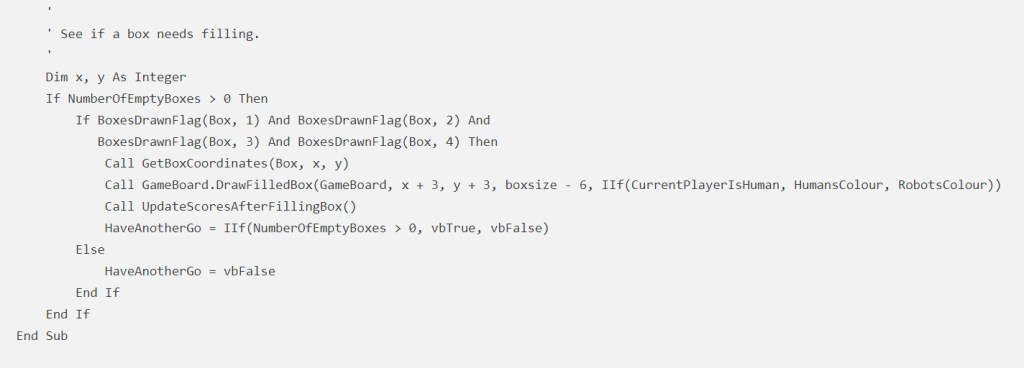
  Private Sub SeeIfBoxNeedsFilling(Box As Integer)
      '
      ' See if a box needs filling.
      '
      Dim x, y As Integer
      If NumberOfEmptyBoxes > 0 Then
          If BoxesDrawnFlag(Box, 1) And BoxesDrawnFlag(Box, 2) And
             BoxesDrawnFlag(Box, 3) And BoxesDrawnFlag(Box, 4) Then
              Call GetBoxCoordinates(Box, x, y)
              Call GameBoard.DrawFilledBox(GameBoard, x + 3, y + 3, boxsize - 6,
                   IIf(CurrentPlayerIsHuman, HumansColour, RobotsColour))
              Call UpdateScoresAfterFillingBox()
              HaveAnotherGo = IIf(NumberOfEmptyBoxes > 0, vbTrue, vbFalse)
          Else
              HaveAnotherGo = vbFalse
          End If
      End If
End Sub things change
Have your say! (No need for any ID!)