-

Finding a bug

Finding a bug
I’ve spent well over a dozen hours trying to find a bug in my VBNET boxes program.
Debugging computer code can be time consuming and frustrating, but there’s also much pleasure to be gained by trying to unravel the puzzle. It’s a bit like struggling with a crossword clue where nothing fits the space and any existing letters. Something isn’t quite right but what is it? In the case of a crossword clue it’s often because one of the other completed words is incorrect and by putting in the right word one can solve the clue that was causing the problem. And so it was with my computer bug.
The code I had written was to play through all possible combination of moves in the boxes game in order to determine the best move to make. But sometimes my code came up with the worst move rather than the best. I studied the code for hours, went through the steps in my head, but I couldn’t see where the flaw in my logic was. I eventually resorted to stepping through the code as it was being executed, and watching as variables changed value. And then a little after midnight I found something strange happening, but it wasn’t in the code I was concentrating on.
My code called various functions – separate pieces of code I had written to perform specific tasks. And it was in one of these functions, which I thought was tested and working, that I found a poor piece of coding that resulted in the function sometimes returning a random result. An annoying mistake but a satisfying conclusion.
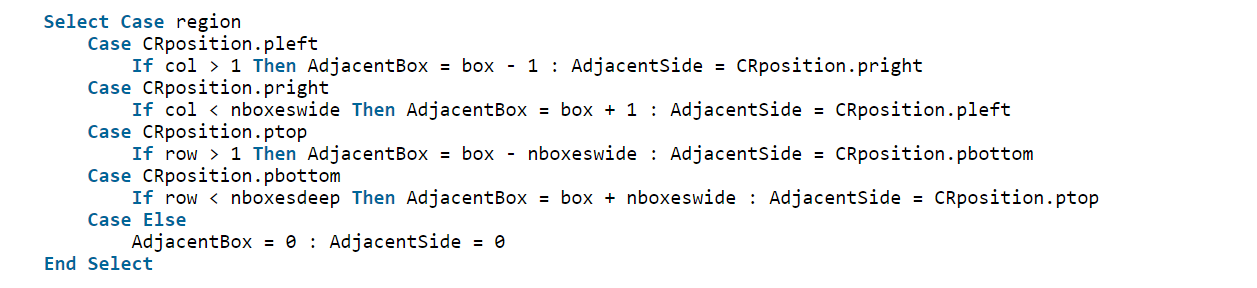
The original, buggy code is below – can you see the flaw?
Select Case region Case CRposition.pleft If col > 1 Then AdjacentBox = box - 1 : AdjacentSide = CRposition.pright Case CRposition.pright If col < nboxeswide Then AdjacentBox = box + 1 : AdjacentSide = CRposition.pleft Case CRposition.ptop If row > 1 Then AdjacentBox = box - nboxeswide : AdjacentSide = CRposition.pbottom Case CRposition.pbottom If row < nboxesdeep Then AdjacentBox = box + nboxeswide : AdjacentSide = CRposition.ptop Case Else AdjacentBox = 0 : AdjacentSide = 0 End Select1 comment on Finding a bug -
Past Lives

We watched Past Lives at the Wimbledon Curzon.
A South Korean film set in Seoul and New York, it’s a very fine, romantic drama. We liked it a lot. Recommended.
-
Emsworth (from the lost camera!)

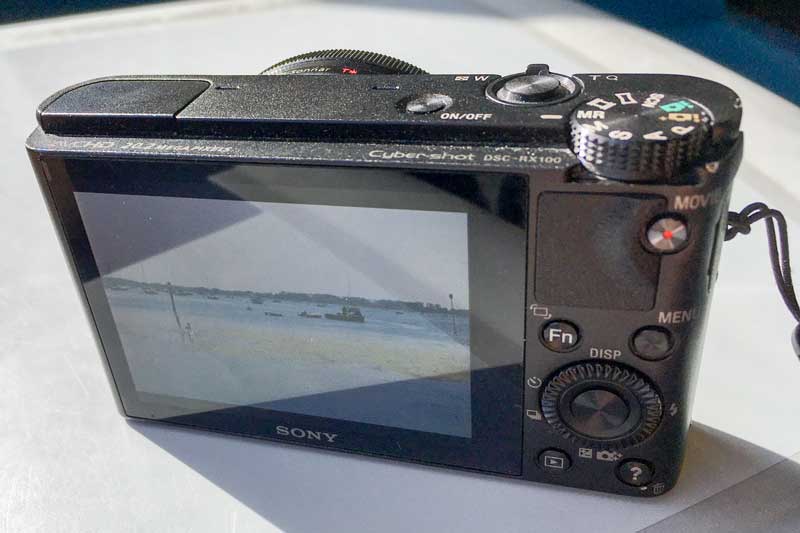
Back at the beginning of June I left my camera on a train. We were on a day trip to the charming town of Emsworth in Hampshire. I had previously been there at the end point of a long-distant walk, the Solent Way and was quite taken by the town.
I reported the loss of the camera, but hearing nothing for a month I bought a replacement. Over three months after the loss I got a phone call from the railway’s lost property department to say my camera had been found (on the day it was lost!) and it was ready for collection. I now have it and these are the best of the pictures I took on the day. There was no real explanation as to why it had taken over 3 months to return the camera to its owner other than there appears to be a less than efficient way of getting lost property from the location of the loss to the lost property office in London.


-
Poole, Dorset

A 4-day Airbnb break to Poole in Dorset was marred by atrocious weather – wet and gales. These assorted images were the best I could achieve. In no particular order we visited Poole – Corfe Castle (stunning) – Swanage – Christchurch – Mudeford.







-
11 mile walk to Kingston

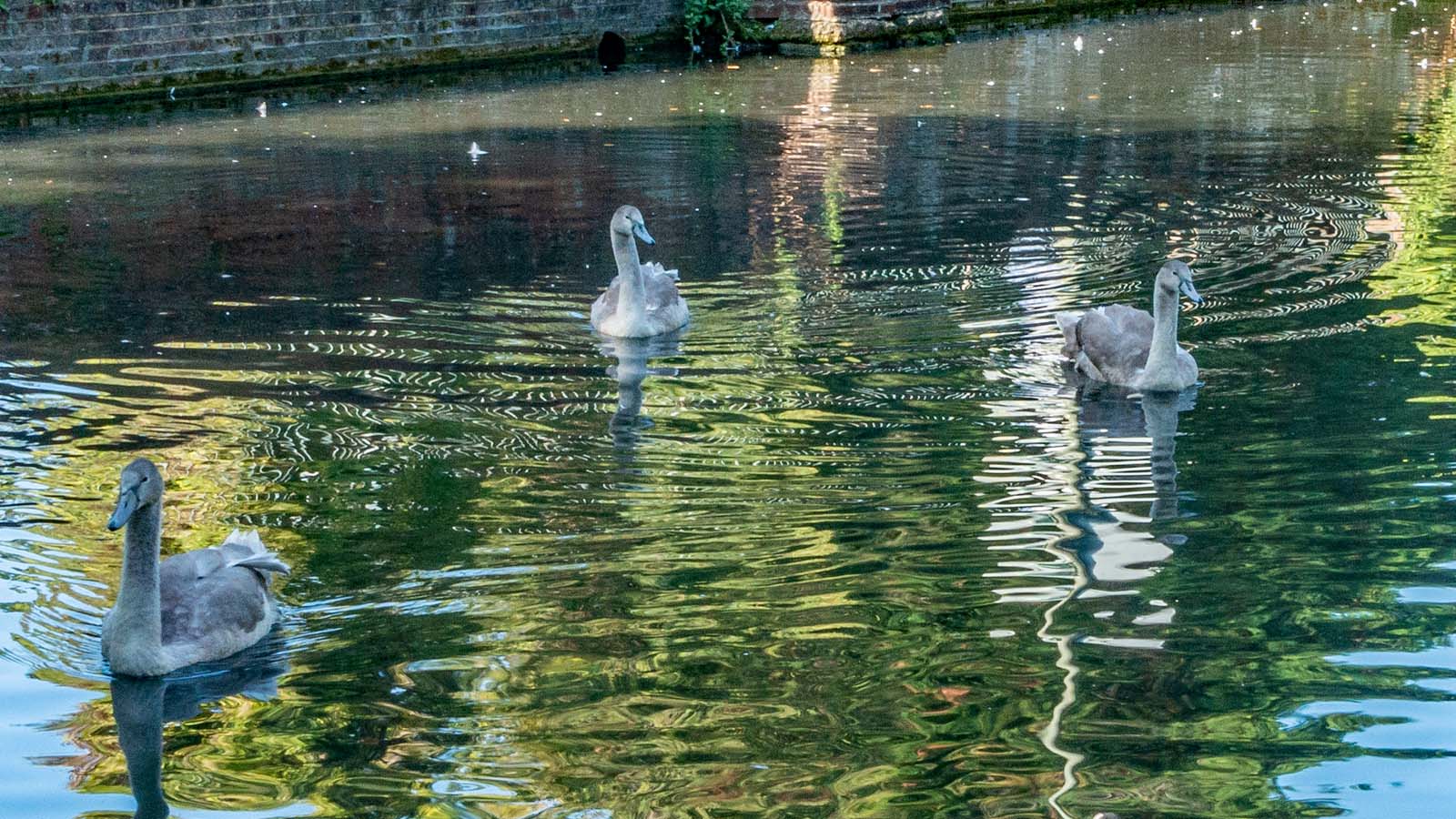
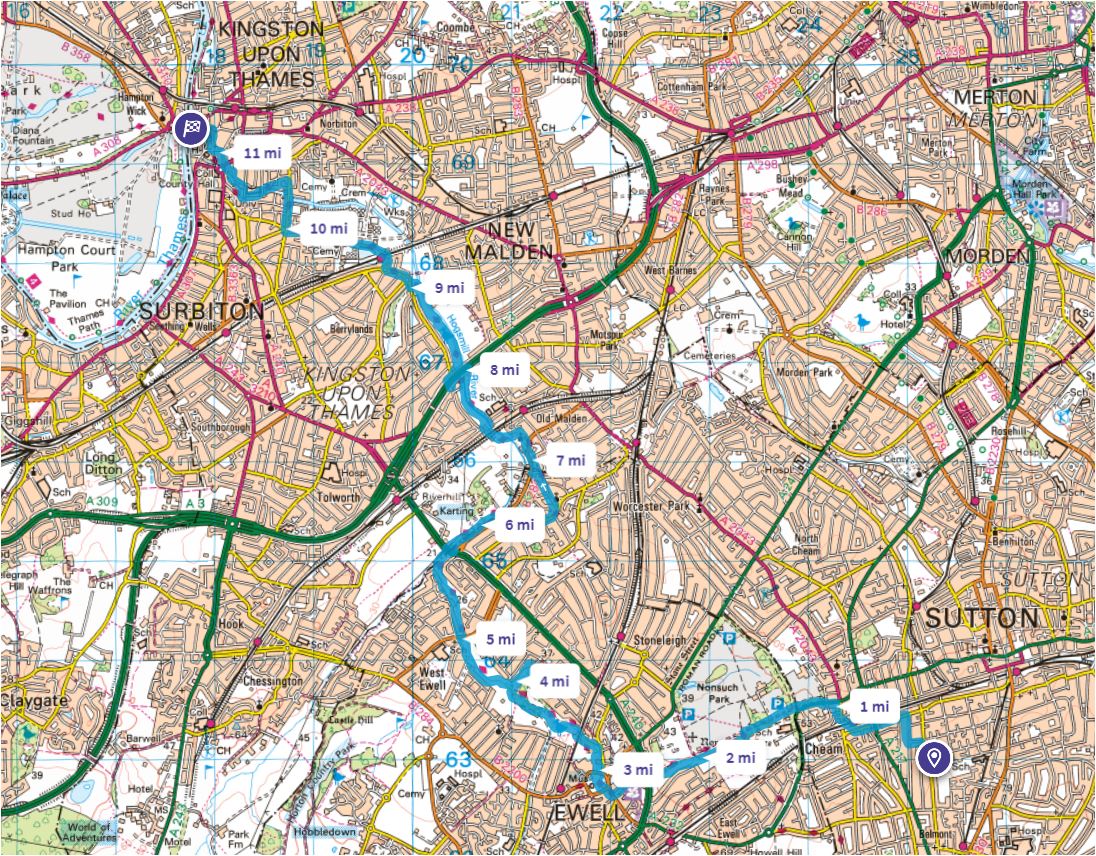
A walk of 11 miles mainly along the Hogsmill River was flat but arduous. Not a very interesting river or walk! But It was what I expected – it was the challenge of walking from home to Kingston that enthused me to do it! Normally we go to Kingston in the car.




-
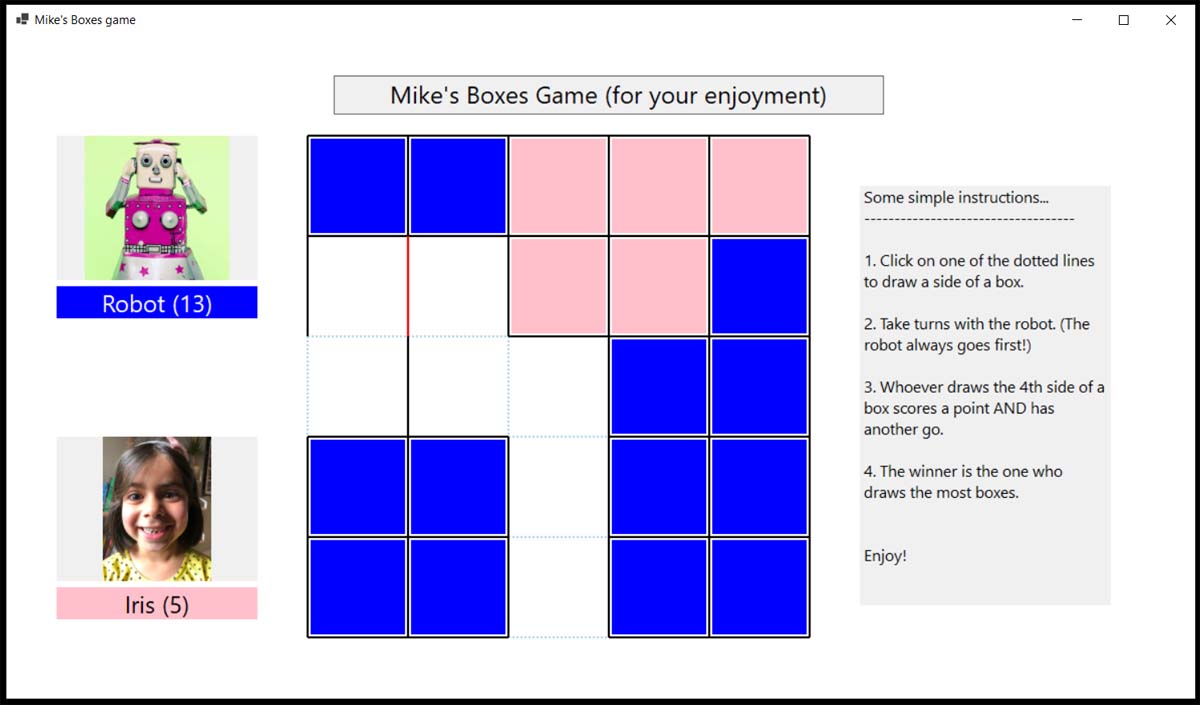
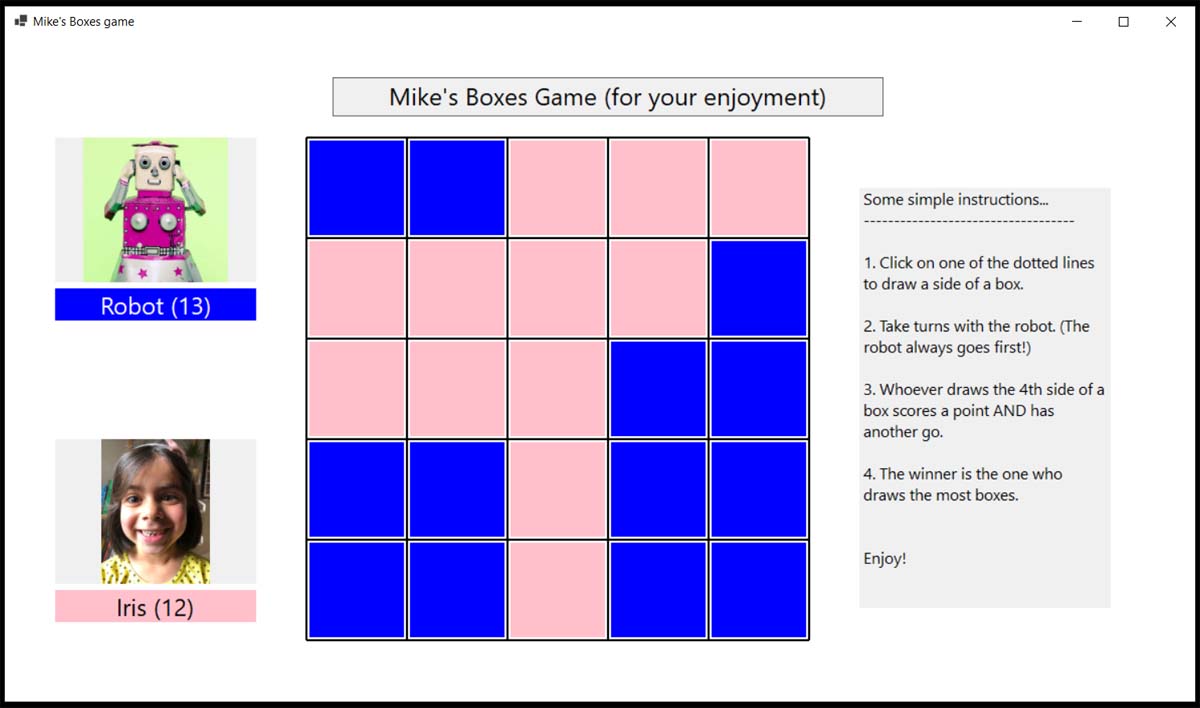
Boxes – another VBNet program
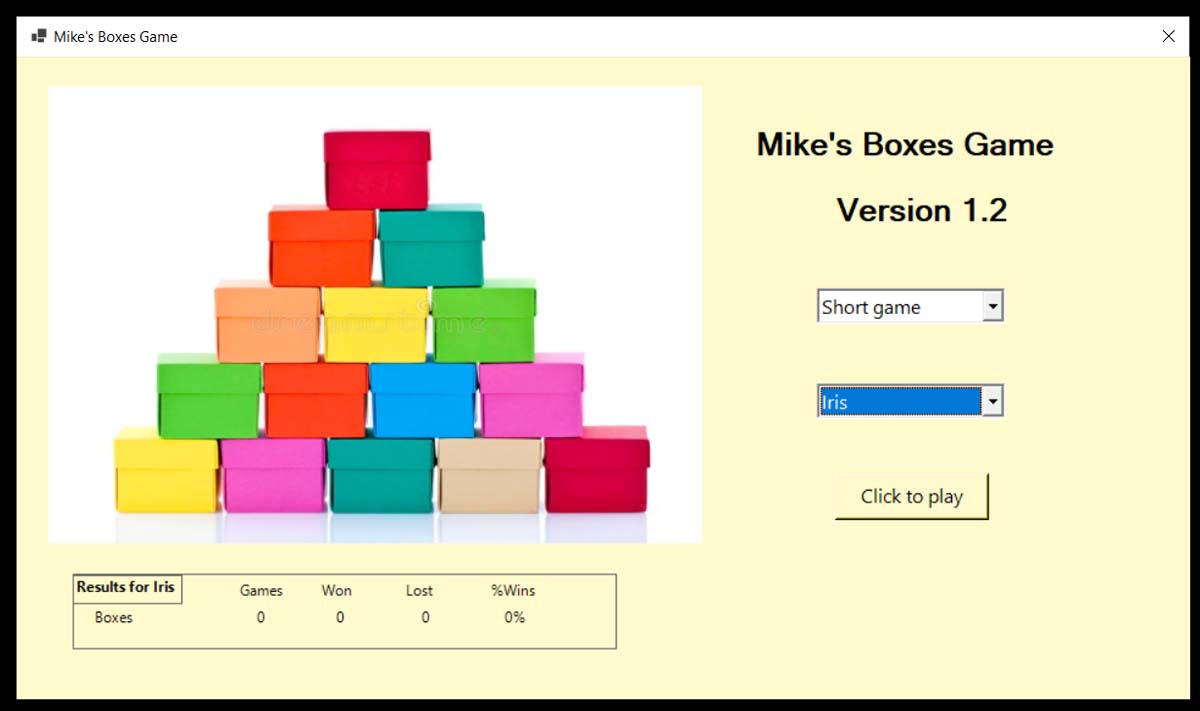
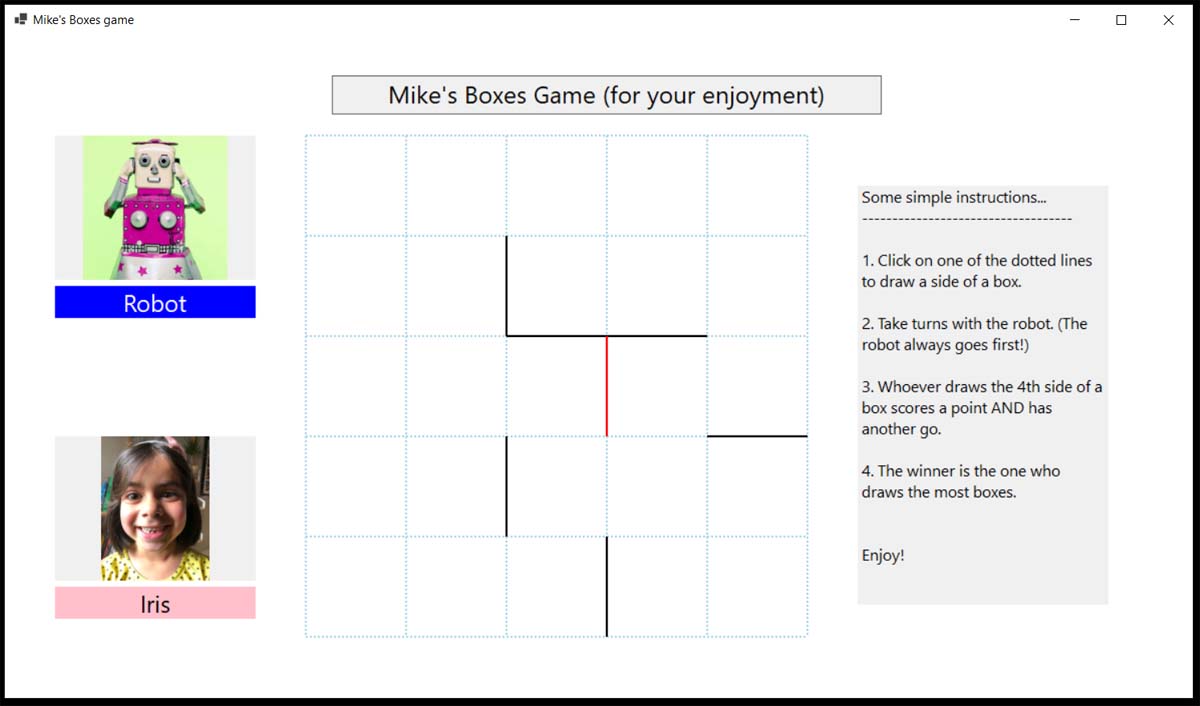
I’ve completed my third VB.NET program, to play the game of what I call Boxes but which I think is called Dots and Boxes.
It was interestingly different to the two previous projects. This time I used graphics rather than objects.
Using graphics turned out to have a sting in the tail when I discovered towards the end of the development that all the graphics disappeared if the game screen was minimized or resized during the game. Fortunately, there was a technical, but rather straightforward solution that required not too much modification to the code. Phew!
Now I have to think of another project.
A code snippet
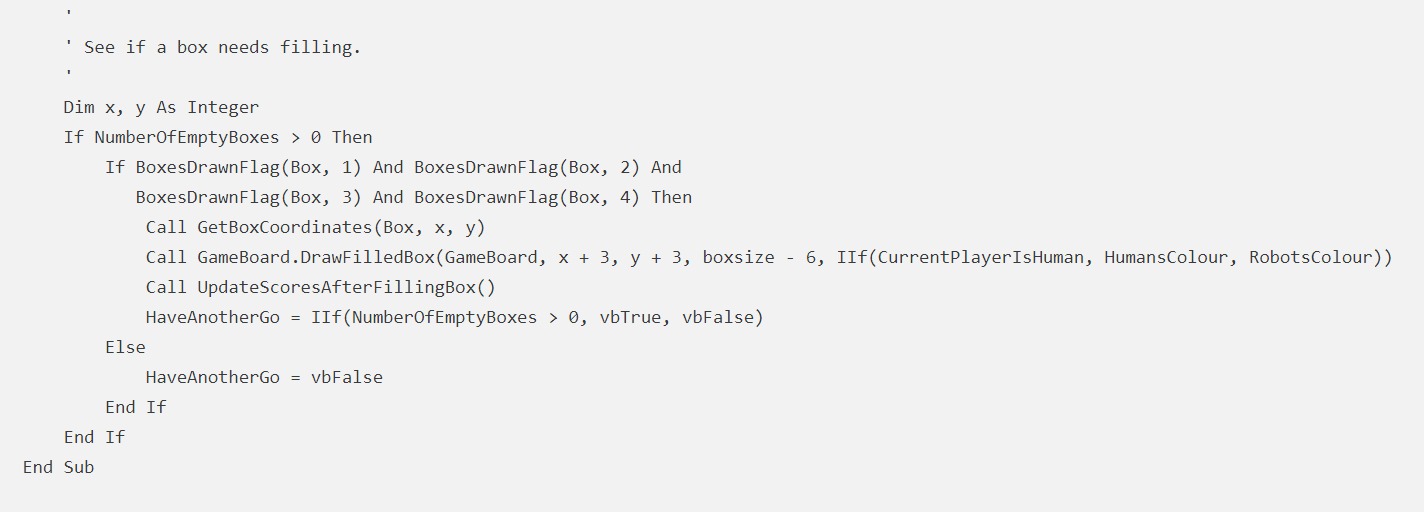
Public Sub DealWithClicks(clickx As Integer, clicky As Integer) ' ' Deal with a click ' Dim box As Integer Dim p As CRposition IgnoreClicks = vbTrue If NumberOfEmptyBoxes = 0 Then Exit Sub Call GetClickedRegion(clickx, clicky, box, p) ' Is the click in one of the regions around a line? If box > 0 Then If BoxesDrawnFlag(box, p) Then IgnoreClicks = vbFalse Beep() Exit Sub End If Call DrawBoxSide(box, p) If HaveAnotherGo And NumberOfEmptyBoxes > 0 Then HaveAnotherGo = vbFalse IgnoreClicks = vbFalse Else Call PlayRobotsMove() End If Else IgnoreClicks = vbFalse End If End Sub Private Sub GetAdjacentBox(box As Integer, region As CRposition, ByRef AdjacentBox As Integer) ' ' Get the box number of the adjacent box (with a shared border) as it will need its flag set also. ' Return a box number of 0 if there is no adjacent box. ' Dim row, col As Integer Call GetBoxRowAndColumn(box, row, col) Select Case region Case CRposition.pleft If col > 1 Then AdjacentBox = box - 1 Case CRposition.pright If col < nboxeswide Then AdjacentBox = box + 1 Case CRposition.ptop If row > 1 Then AdjacentBox = box - nboxeswide Case CRposition.pbottom If row < nboxesdeep Then AdjacentBox = box + nboxeswide Case Else AdjacentBox = 0 End Select End Sub Private Sub SeeIfBoxNeedsFilling(Box As Integer) ' ' See if a box needs filling. ' Dim x, y As Integer If NumberOfEmptyBoxes > 0 Then If BoxesDrawnFlag(Box, 1) And BoxesDrawnFlag(Box, 2) And BoxesDrawnFlag(Box, 3) And BoxesDrawnFlag(Box, 4) Then Call GetBoxCoordinates(Box, x, y) Call GameBoard.DrawFilledBox(GameBoard, x + 3, y + 3, boxsize - 6, IIf(CurrentPlayerIsHuman, HumansColour, RobotsColour)) Call UpdateScoresAfterFillingBox() HaveAnotherGo = IIf(NumberOfEmptyBoxes > 0, vbTrue, vbFalse) Else HaveAnotherGo = vbFalse End If End If End Sub -
The Innocent
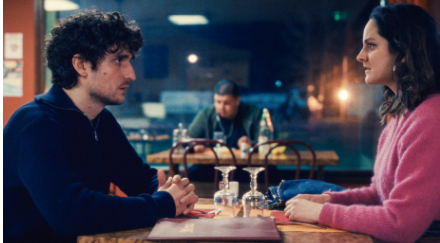
The Innocent
Catching up with things on a scorching day justified a visit to the air-conditioned (ie cold!) Curzon cinema in Wimbledon to see the 11:20am(!) showing of the French film The Innocent. Despite being a bit of a mish-mash of farce, romance, crime and family relationships, it was very enjoyable.
Fine acting and likeable characters – I liked it a lot.
-
I’m back walking!
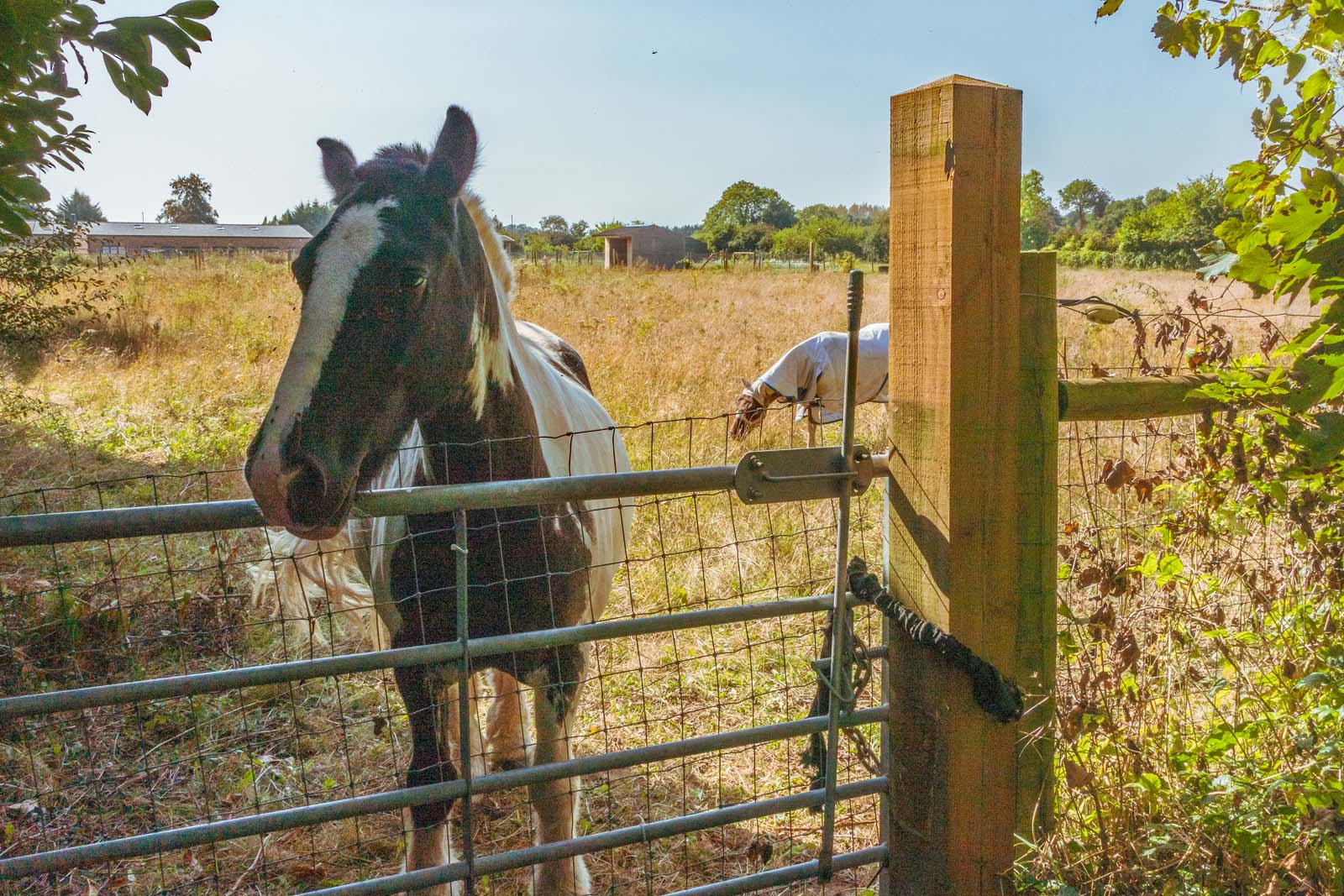
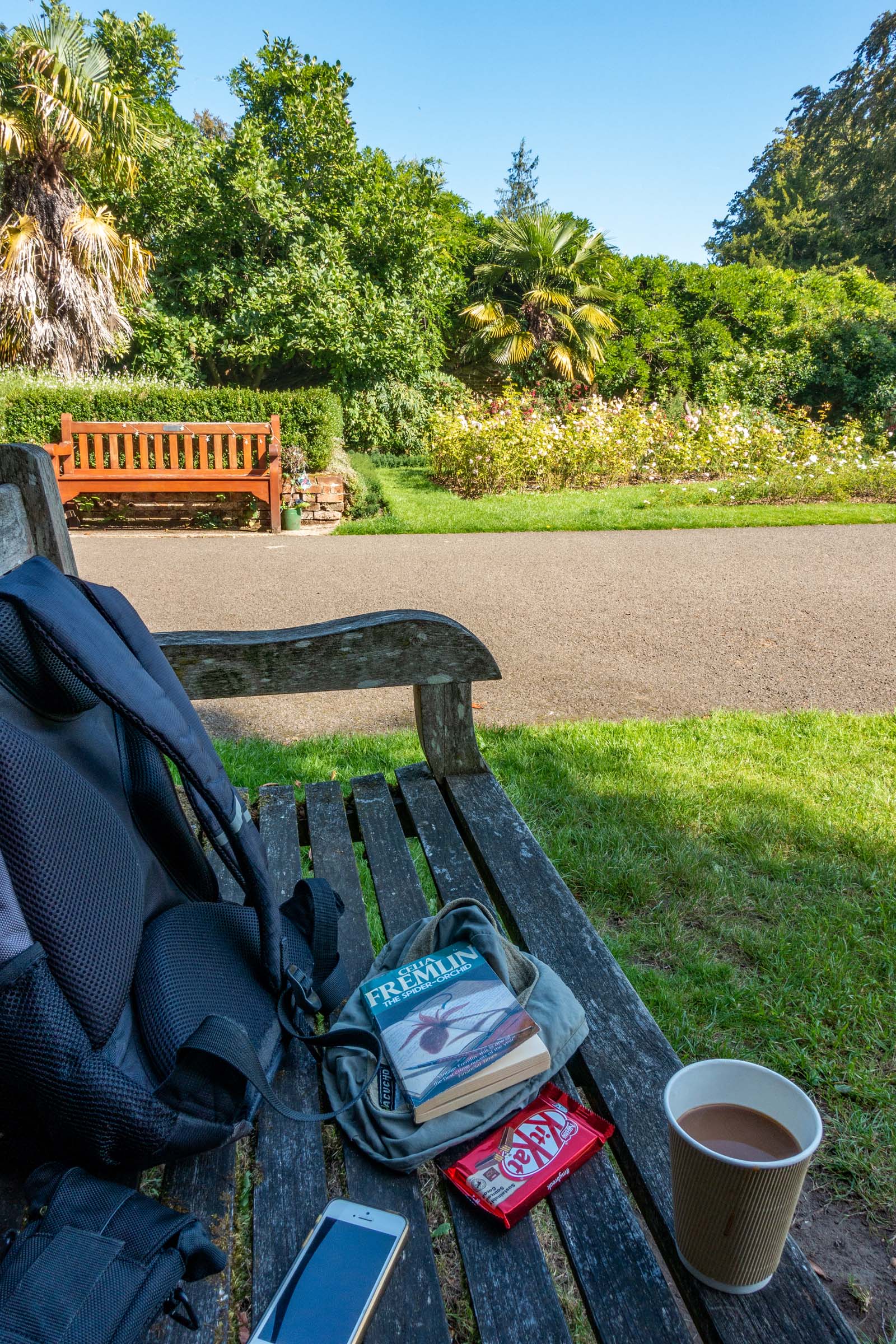
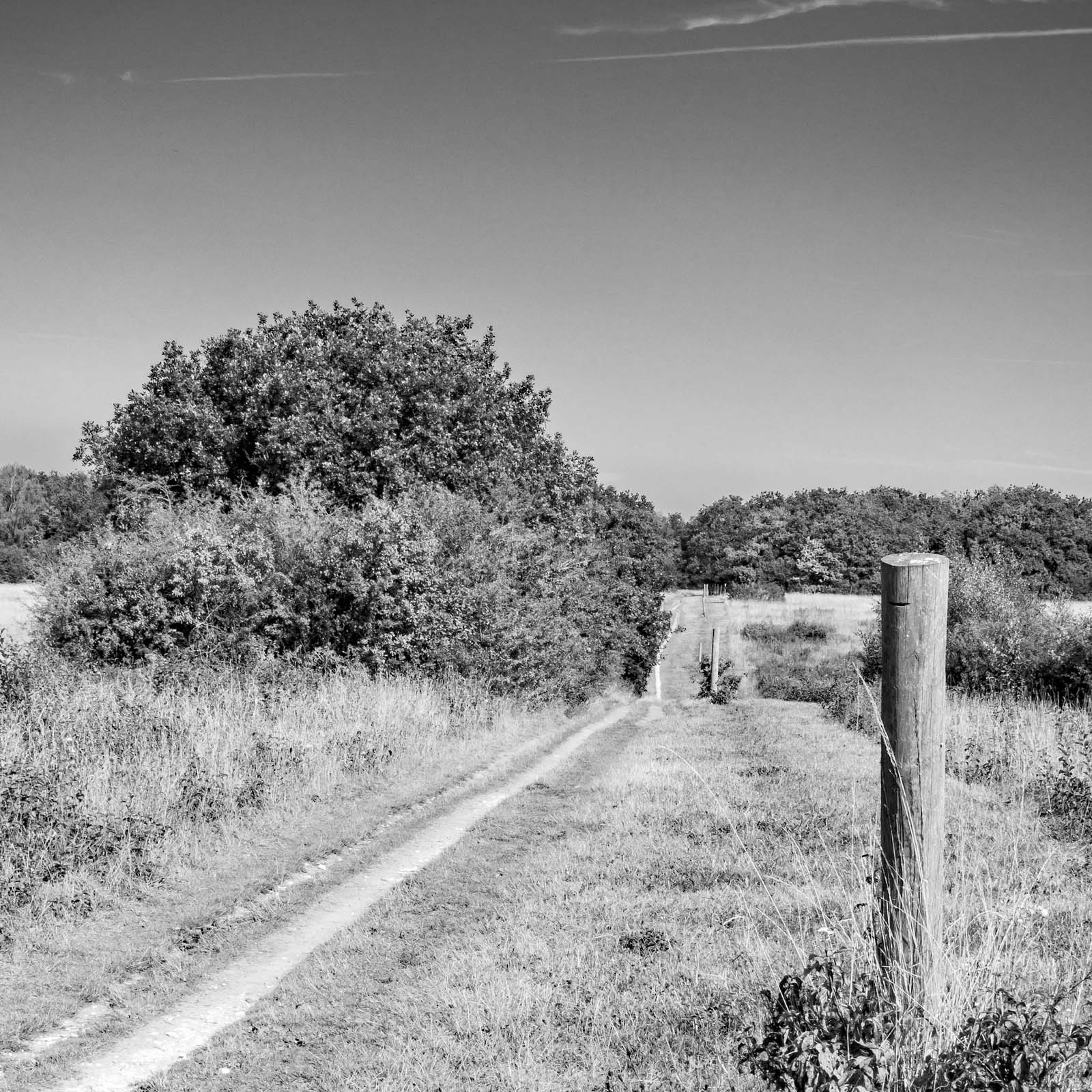
The verrucas have been hopefully acidified and I can walk pain-free again, so I’m planning to resume long walks. Today was a 6-mile taster around and through Oaks Park.

-
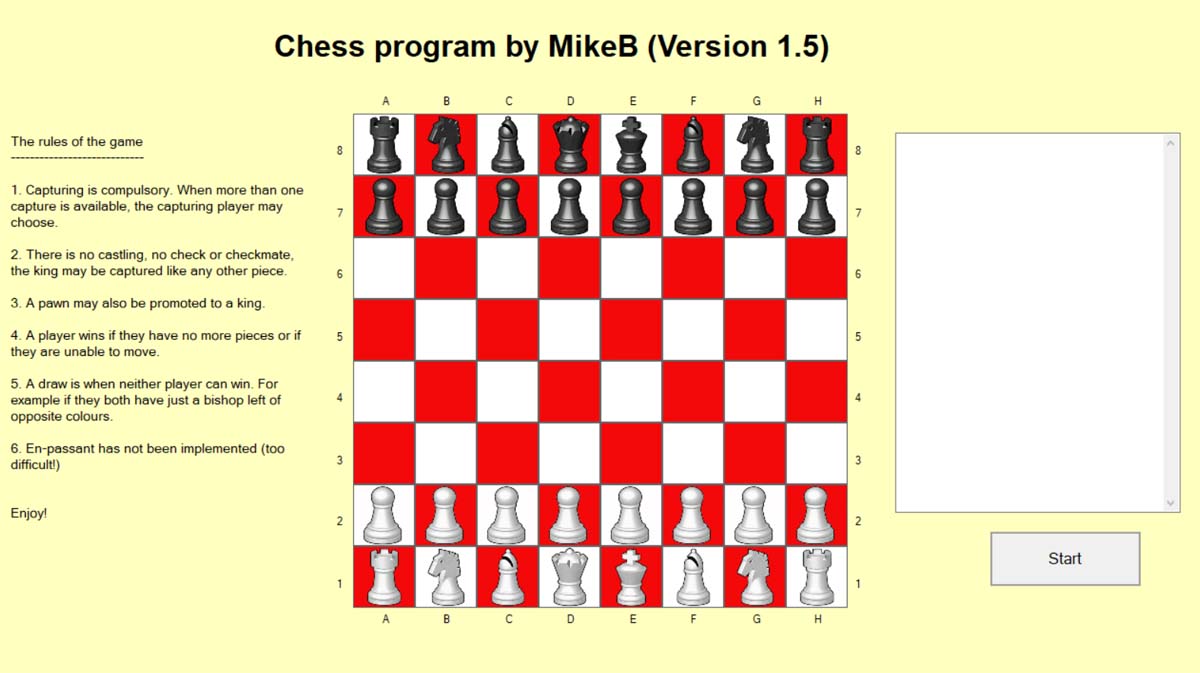
Chess program finished!
Chess program finished!
My second VB.NET program was to play the game of Loser Chess. The object is to lose one’s pieces before your opponent does! I never considered attempting to develop a program to play proper chess as it would have been impossible to get the computer to make sensible moves. So instead, I decided to concentrate on the mechanism of playing chess and to use it to play a simplified version. ie Loser Chess.
Now I have to think of another project.
A code snippet
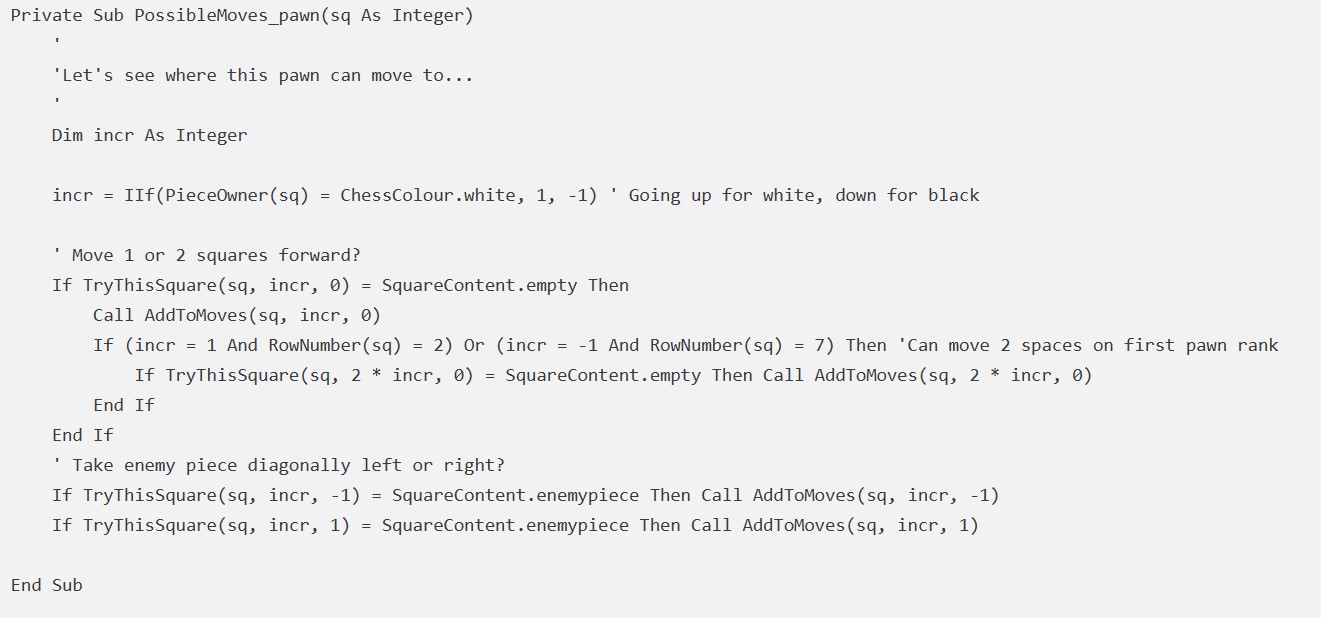
Public Sub PossibleMoves(sq As Integer) ' ' Determine all possible moves for the piece on the specified square ' Select Case Piece(sq) Case ChessPiece.pawn Call PossibleMoves_pawn(sq) Case ChessPiece.rook Call PossibleMoves_horizontally(sq) Call PossibleMoves_vertically(sq) Case ChessPiece.knight Call PossibleMoves_knight(sq) Case ChessPiece.bishop Call PossibleMoves_diagonally(sq) Case ChessPiece.queen, ChessPiece.king Call PossibleMoves_horizontally(sq) Call PossibleMoves_vertically(sq) Call PossibleMoves_diagonally(sq) Case ChessPiece.none MsgBox("OOPS PossibleMoves") End Select End Sub Private Sub PossibleMoves_pawn(sq As Integer) ' 'Let's see where this pawn can move to... ' Dim incr As Integer incr = IIf(PieceOwner(sq) = ChessColour.white, 1, -1) ' Going up for white, down for black ' Move 1 or 2 squares forward? If TryThisSquare(sq, incr, 0) = SquareContent.empty Then Call AddToMoves(sq, incr, 0) If (incr = 1 And RowNumber(sq) = 2) Or (incr = -1 And RowNumber(sq) = 7) Then 'Can move 2 spaces on first pawn rank If TryThisSquare(sq, 2 * incr, 0) = SquareContent.empty Then Call AddToMoves(sq, 2 * incr, 0) End If End If ' Take enemy piece diagonally left or right? If TryThisSquare(sq, incr, -1) = SquareContent.enemypiece Then Call AddToMoves(sq, incr, -1) If TryThisSquare(sq, incr, 1) = SquareContent.enemypiece Then Call AddToMoves(sq, incr, 1) End Sub -
Dapdune Wharf, Guildford
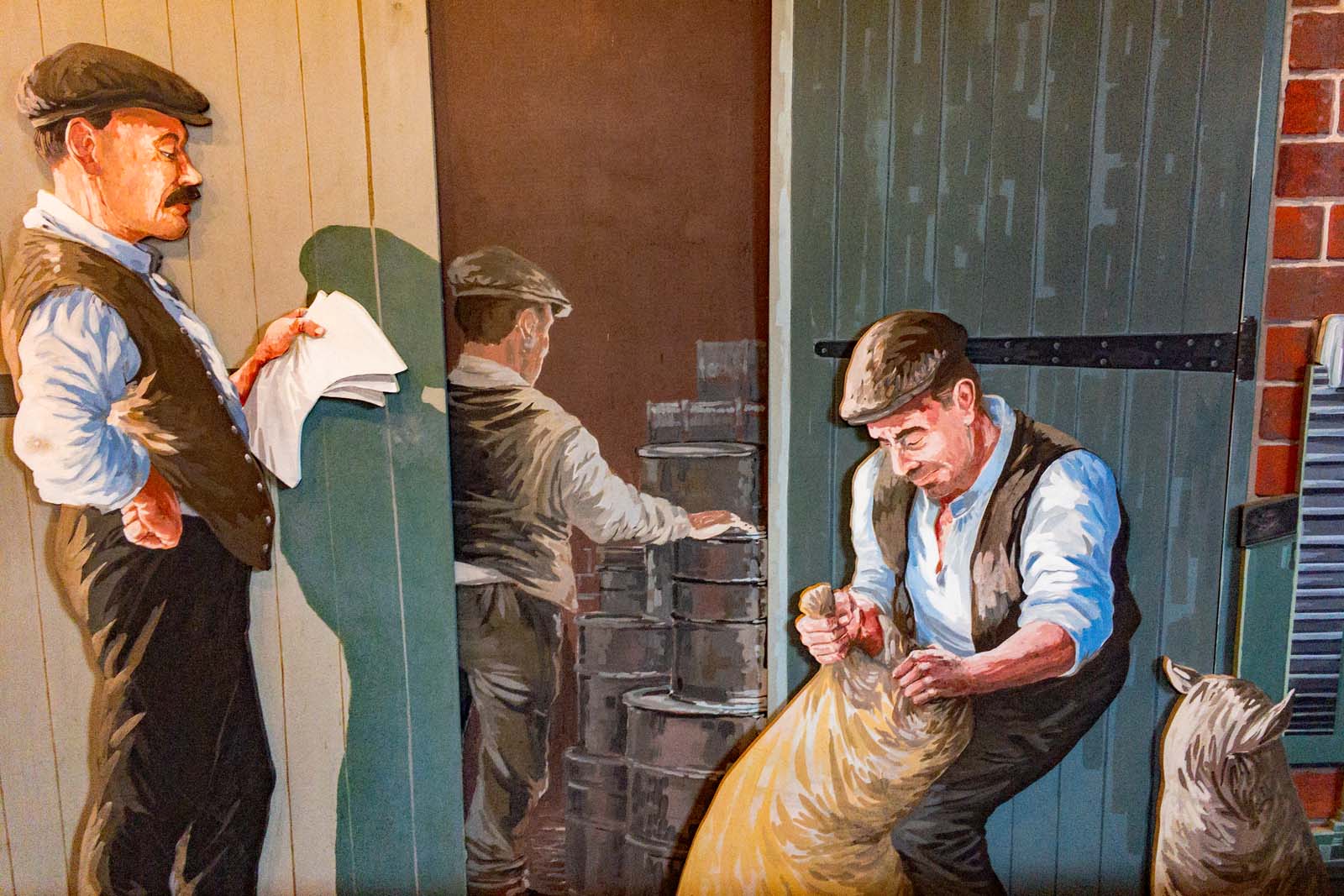
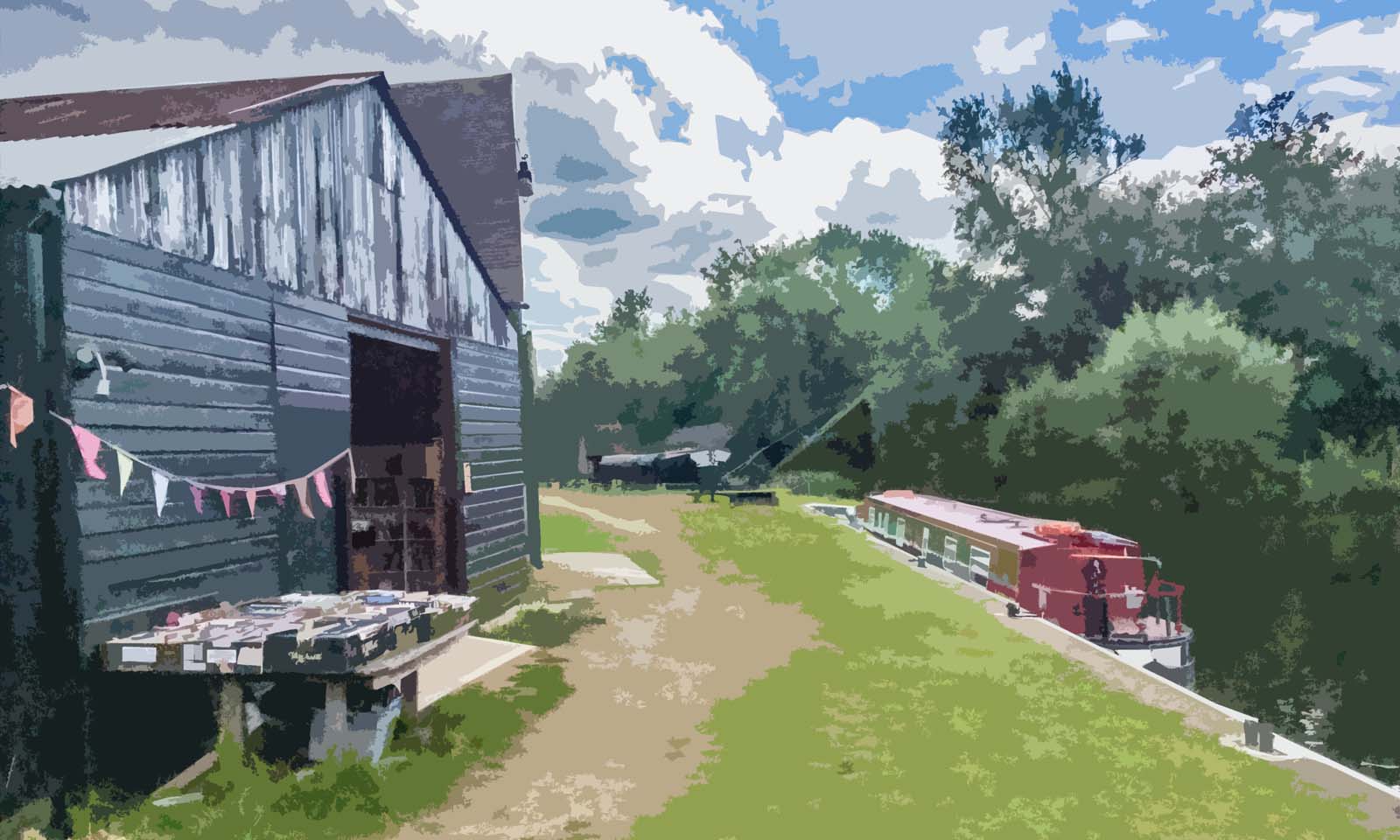
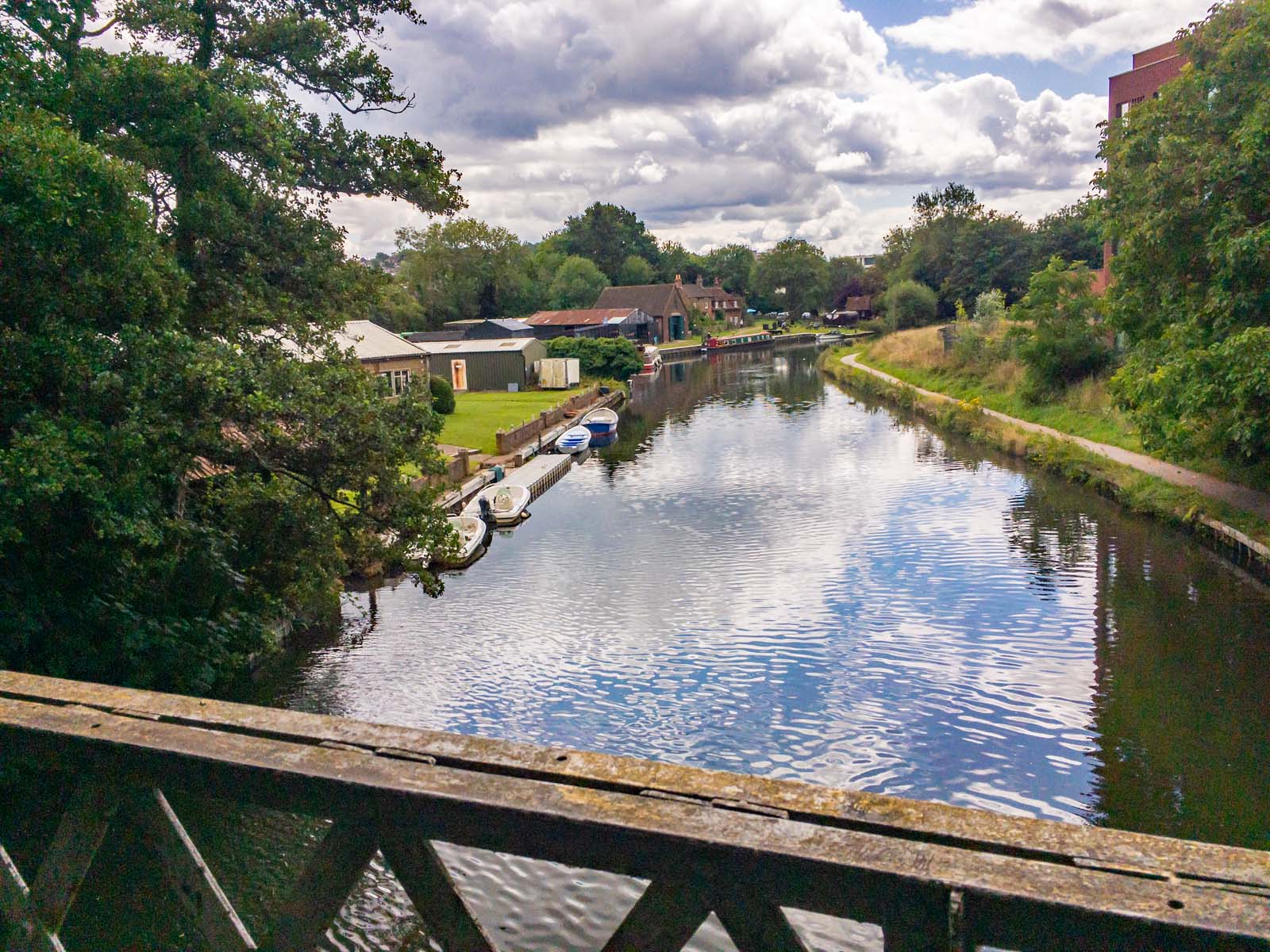
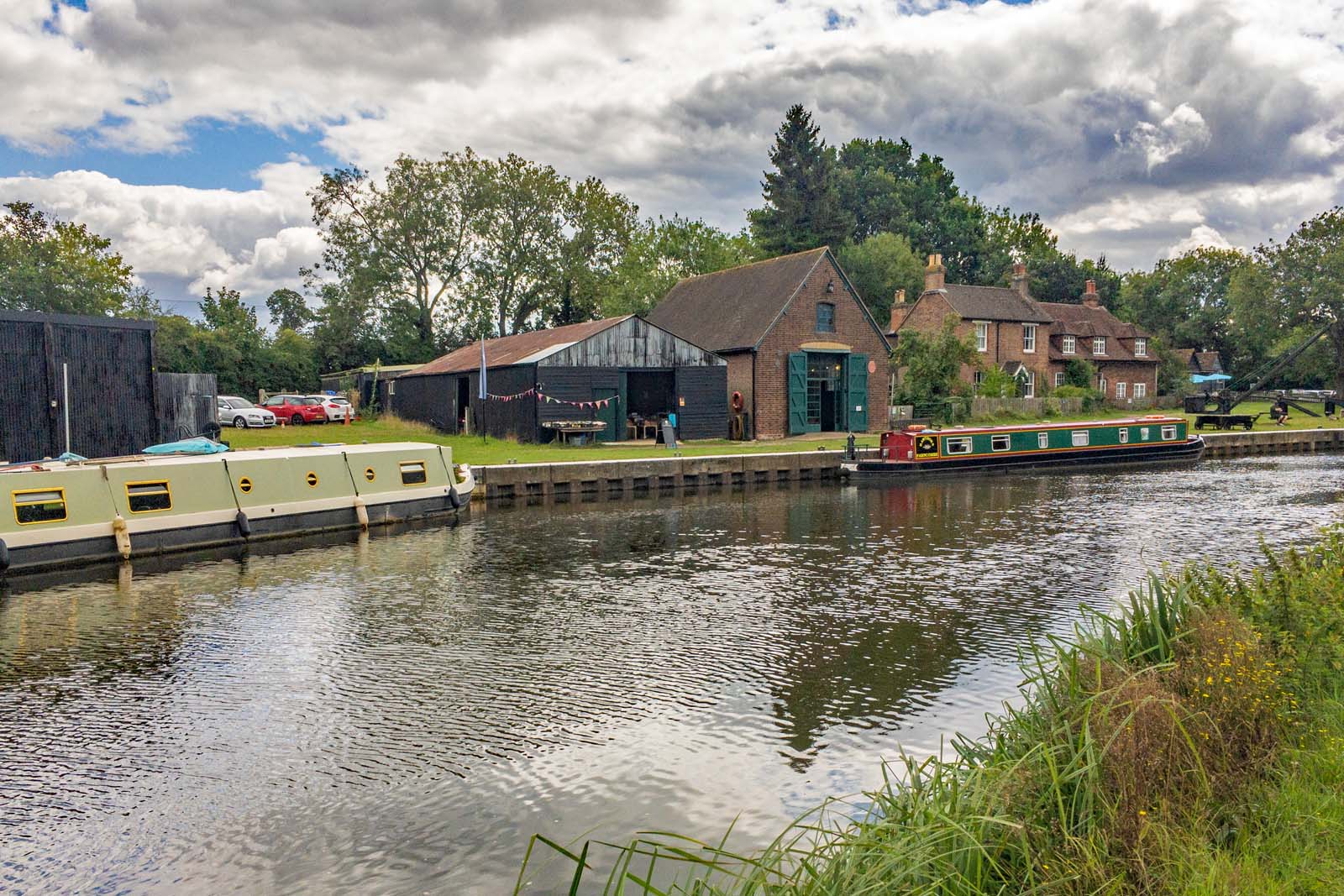
Another visit to the wonderful Dapdune Wharf bookshop. (Images taken with an iPhone SE)






-
Subscribe
Subscribed
Already have a WordPress.com account? Log in now.
 things change